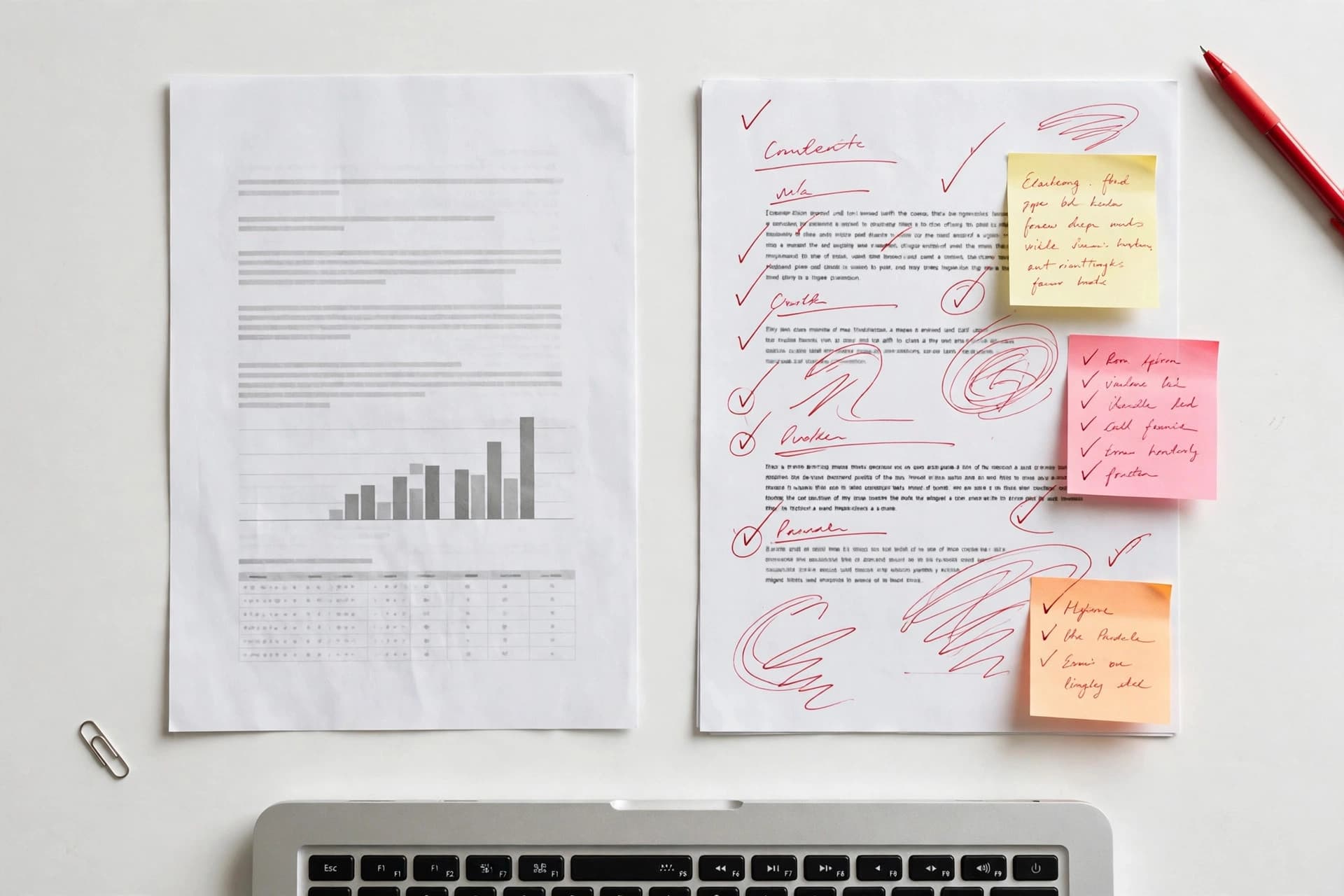
The short version: most rejected CVs aren't rejected for the candidate — they're rejected for the document. Inconsistent formatting, ATS-hostile layouts, and sloppy files get you filtered before anyone reads your experience.
Recruiters spend seconds on a first pass. In those seconds, formatting is doing most of the talking: it says "detail-oriented professional" or "didn't bother." Here's what goes wrong, in rough order of damage.
0. The 6-second scan (what recruiters actually see)
Before the detailed list, understand the physics of the first pass. Eye-tracking studies of recruiter behavior consistently show the same pattern: the eye goes to your name, current title and company, previous title and company, then education — in about six seconds. Everything else is peripheral until you pass that filter.
What this means for formatting: those four anchor points must be findable instantly. Clear hierarchy (name largest, then section structure), consistent placement of titles/companies/dates, and zero visual noise competing for attention. A CV that makes the recruiter hunt for your current job title has already failed the scan — regardless of how impressive the title is. Every mistake below is, at root, a way of failing this six-second test.
1. The ATS killers
If you apply through a company portal, software reads your CV before a human does — and it's easily confused:
- Tables and text boxes. Parsers read linearly; content in tables and boxes gets scrambled or dropped. Your carefully aligned two-column skills section becomes word salad.
- Graphics, icons, and charts. The parser sees nothing. Your "proficiency bars" are invisible.
- Headers and footers. Many parsers ignore them — contact info placed there can vanish.
- Images of text. A CV exported as a flat image has no readable text at all.
Fix: for portal applications, use a single-column layout with real, selectable text and standard fonts. That's exactly what the ATS-friendly templates in our CV builder are designed for.
2. Inconsistent formatting
Three different date formats. Two fonts. Bullet points that change style halfway down. Margins that drift. Each inconsistency is small; together they read as carelessness — which is a strange message to send on a document whose job is to demonstrate your attention to detail.
Fix: one font family, one date format (pick "Jan 2022 – Mar 2024" or "01/2022 – 03/2024" and commit), consistent spacing. A template with built-in guardrails, like the CV builder's, enforces this automatically.
3. Walls of text
Dense paragraphs describing each role. Nobody reads them — recruiters scan. A paragraph of 8 lines gets the same attention as a blank space: none.
Fix: 3–5 bullet points per role, one line each (two max). Start each with a strong verb. If a bullet wraps to three lines, it's two bullets or it's cut.
4. The wrong length
Five pages for three years of experience. Or the opposite: cramming 15 years into one page with 8pt font.
Fix: one page early-career, two pages experienced. If you're cutting to fit, cut the oldest and least relevant first. Font stays at 10–12pt for body text — shrinking type to fit more in is just a wall of text with extra steps.
5. Fancy fonts and color chaos
Script fonts, five accent colors, rainbow section dividers. Your CV is a business document, not a design portfolio (unless you're a designer — and even then, restraint).
Fix: one font family, black/dark gray text, one accent color max for headings or dividers. Let the content carry the personality.
6. Vague, responsibility-style bullets
"Responsible for managing social media accounts." This describes a job description, not an achievement.
Fix: action + result + number. "Grew Instagram following from 2K to 18K in 8 months." Every bullet should answer "so what?"
7. Typos and grammar errors
The classic, and still the most common reason CVs get binned. One typo suggests haste; three suggest you don't check your work.
Fix: spell-check, then read it aloud, then have someone else read it. Reading aloud catches errors your eyes skip. Check company names and job titles character by character.
8. Unprofessional email and file names
xX_darklord_Xx@email.com on a CV is a self-own. So is sending CV_final_FINAL2.pdf.
Fix: firstname.lastname@email.com. File name: Firstname-Lastname-CV.pdf. Boring is good here.
9. Including everything
Full street address (privacy risk, unnecessary). Date of birth, marital status, nationality (irrelevant in most markets, bias-triggering in others). Every job since 2009. References available on request (assumed; the line wastes space).
Fix: name, phone, email, city, LinkedIn. Relevant experience only — the last 10–15 years for most people.
10. Photo mistakes (where photos are used)
A cropped group photo. A selfie. A photo so large it eats a third of the page. In markets where photos are expected, a bad photo is worse than the layout without one.
Fix: professional headshot, neutral background, modest size. Toggle it per template — and skip it entirely for US/UK/Canada applications.
11. Sending Word instead of PDF
The .docx reflows on the recruiter's machine: fonts substitute, spacing shifts, your one-page CV becomes a page and a half. You never see the damage.
Fix: always PDF (unless the posting explicitly asks for Word — some older ATS setups prefer it). Verify the exported PDF yourself before sending. Our builder exports real PDFs with selectable text and embedded fonts, so what you see is what they get.
12. One generic CV for everything
The same CV for a startup and a bank, for marketing and product roles. It fits nothing well.
Fix: tailor the summary and skills per application, mirroring the posting's language. Keep a master CV with everything; derive targeted versions. Ten tailored applications beat fifty generic ones.
The 10-minute audit
Open your current CV and check: consistent fonts and dates? Bullets, not paragraphs? Under two pages? Real PDF? File named properly? No typos (read it aloud)? Each "no" is a fix that takes minutes. Or start clean with the free CV builder — 8 templates with the formatting guardrails built in, so most of these mistakes become impossible to make.