

PDFEdit Blog
PDF guides, tips & tutorials
Step-by-step guides from the team behind PDFEdit — learn how to edit, merge, compress, sign, convert and protect PDF files right in your browser. Free forever, private by design, no account needed.
Featured guide
Word Counter vs Text Analyzer: Which Do You Actually Need?
Word counter vs text analyzer: one counts words, the other explains your text. Compare what each measures and pick the right tool for writing, SEO, and editing.
September 23, 20265 min read
Read the guide
Why PDF Is Still the Standard (30+ Years Later)
Why PDF remains the universal document standard after 30+ years: layout fidelity, universal readability, archiving, signing — and what could replace it.
September 23, 20265 min read
Why PDF Conversion Loses Formatting: The Technical Truth
The honest technical reason PDF conversions lose formatting: PDFs store positioned characters, not documents. What converters can and can't recover, and why.
September 23, 20265 min read
Redaction vs. Black Boxes: Why Covering Text Isn't Redacting
Drawing black boxes over text does not redact it - the words stay in the file. Learn what true redaction does differently and how to verify it actually worked.
September 23, 20265 min read
QR Code Menus for Restaurants: Setup, Printing & Best Practices
Set up a QR code menu for your restaurant: what to link to, PDF vs web page, table tent design, hygiene benefits, and printing tips that keep codes scannable.
September 23, 20265 min read
QR Codes on Business Cards: The Complete Guide
Add a QR code to your business card the right way — vCard vs URL vs link pages, sizing, placement, and design tips that keep cards scannable and classy.
September 23, 20265 min read
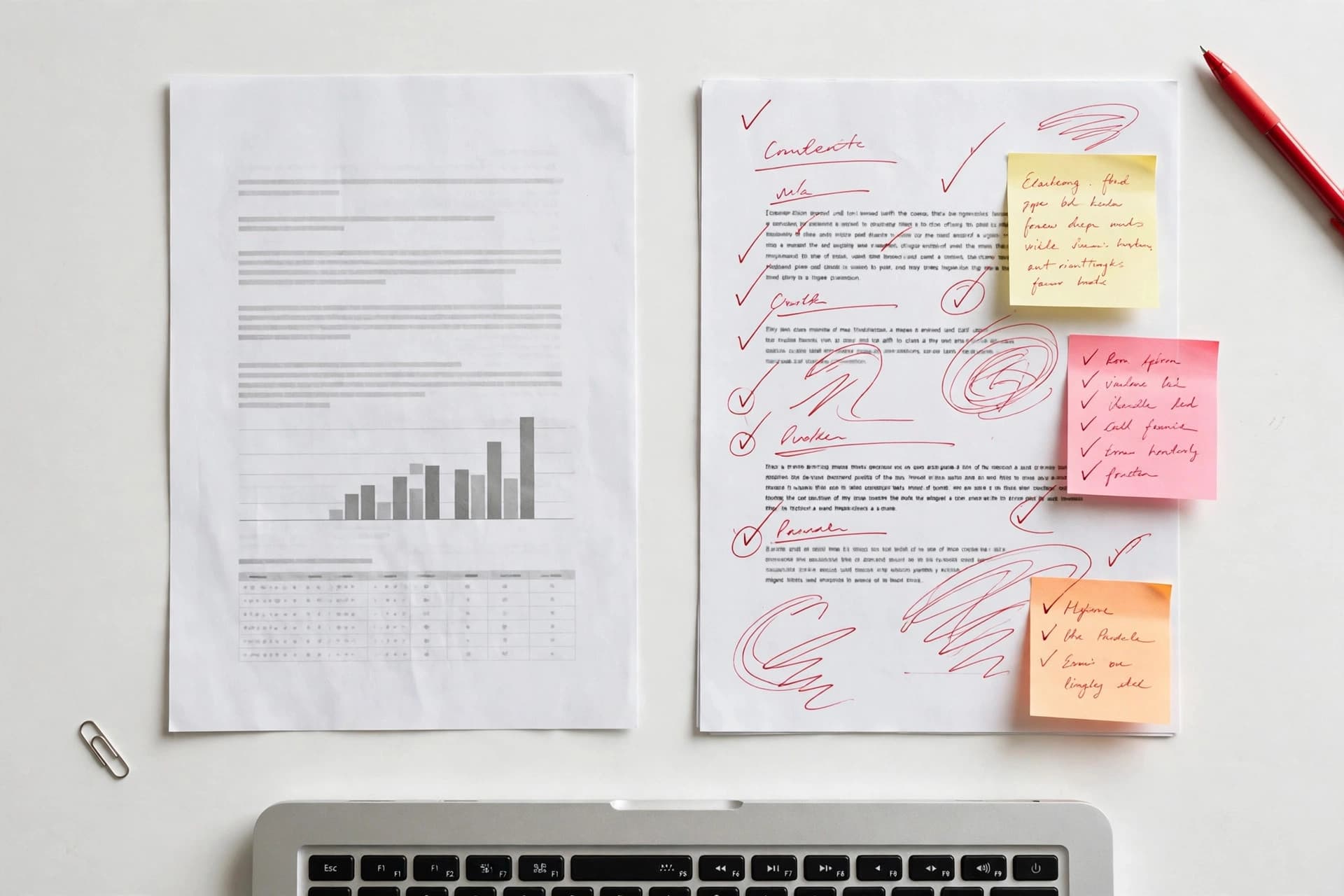
PDF vs Word: Which Format Should You Actually Use?
PDF vs Word explained plainly: when to use each format, what breaks when you pick wrong, and how to convert between them without losing your layout.
September 23, 20268 min read
PDF to Word: Why Formatting Breaks and How to Keep It Clean
Why PDF-to-Word formatting breaks, which documents convert cleanly, and how to get the best editable result from PDFEdit's free browser converter, explained.
September 23, 20266 min read

PDF to Word: Extract Editable Text Into a DOCX
Convert PDF to Word free: extract the text from any PDF into a clean, editable DOCX — right in your browser, no sign-up. Here's what carries over and what doesn't.
September 23, 20267 min read
PDF to Text vs. OCR: Which One Do You Actually Need?
PDF to Text vs OCR, explained plainly: extraction reads text already in the file — instant and perfect. OCR reads text in page images — slower, for scans.
September 23, 20265 min read
How to Convert PDF to JPG (Every Page as an Image)
Convert PDF to JPG free: turn every page of your PDF into a high-quality JPG image right in your browser — no sign-up, no watermark.
September 23, 20267 min read
PDF Security Checklist: Protect, Redact, and Share Safely
A practical PDF security checklist - passwords, redaction, metadata, watermarks, flattening: everything to check before a sensitive PDF leaves your desk.
September 23, 20265 min read
PDF Password Best Practices: Strong Passwords That Actually Protect
How to choose and manage passwords for PDFs: length beats complexity, unique passwords per file, and why AES-256 matters — honest, practical guidance.
September 23, 20265 min read
PDF Page Management: Organize, Rotate, Delete & Extract Pages
The complete guide to PDF page management: reorder pages, rotate individuals, delete unwanted pages, and extract what you need — all free in your browser.
September 23, 20265 min read
PDF Image Extraction Guide: Getting Pictures Out of PDFs
Need images out of a PDF? The honest breakdown: browser tools render pages as new images rather than extracting originals — what that means and which to pick.
September 23, 20265 min read
PDF Glossary A–Z: Every Term Explained in Plain English
Your plain-English PDF glossary: PDF/A, linearization, OCR, metadata, flattening, redaction, encryption, tags, and 20+ more terms — no jargon, just definitions.
September 23, 20266 min read

PDF File Size Limits Explained: Gmail, Outlook, WhatsApp & More
Email attachment limits compared: Gmail 25 MB, Outlook ~25 MB, iCloud 20 MB, corporate mail often 10 MB. Plus why a 24 MB file can still bounce off Gmail.
September 23, 20266 min read
Password Manager vs Password Generator: Do You Need Both?
Password generator vs password manager: one creates strong passwords, the other stores them. Why they solve different problems — and why you need both.
September 23, 20265 min read

Is It Safe to Upload a PDF Online? The Honest Answer
Uploading PDFs to online tools sends your file to a stranger's server. Learn the real risks, what to check, and why browser-local tools avoid them entirely.
September 23, 20265 min read
Invoice vs Receipt: What's the Difference?
Invoice vs receipt explained: one asks for payment, the other confirms it. Learn when to send each, what goes on them, and why confusing them causes problems.
September 23, 20265 min read
Image to PDF vs. Scanning Apps: Which Should You Use?
Browser image-to-PDF vs phone scanning apps, compared honestly: when a free web tool beats Adobe Scan or CamScanner — and when a scanner app is worth it.
September 23, 20265 min read
iLovePDF Alternative: Free PDF Tools That Run in Your Browser
Searching for an iLovePDF alternative? Compare free PDF tools on privacy (browser-local vs server uploads), sign-ups, watermarks, and everyday task coverage.
September 23, 20265 min read

How to Write a CV as a PDF (Free, No Sign-Up)
Write a professional CV and export it as a real PDF — 8 ATS-friendly templates, live editor, photo support, selectable text. Free in your browser, no account.
September 23, 20265 min read

How to Watermark a PDF With Text
Add a text watermark to any PDF — DRAFT stamps, CONFIDENTIAL labels, or custom wording. Placement and opacity tips, plus a free browser tool.
September 23, 20267 min read
How to Unlock a PDF Online (When It's Your File)
Remove the password from a PDF you own: upload, enter the password you know, and download an unlocked copy — decrypted in your browser, never uploaded.
September 23, 20265 min read
How to Turn Screenshots Into a PDF (Phone & Desktop)
Combine screenshots into one clean PDF: capture on iPhone, Android, or desktop, then use PDFEdit's browser tool to merge them into a single ordered document.
September 23, 20265 min read

How to Split a PDF by Page Range (e.g. Pages 1–3, 5, 7–10)
Split a PDF by page range with a free in-browser tool. Enter ranges like 1-3, 5 or 7-10 and extract exactly the pages you need — no uploads, no sign-up, ever.
September 23, 20265 min read
How to Split a PDF and Extract Just the Pages You Need
Splitting a PDF is easier than you think. Learn how to split a PDF by pages, extract a chapter, or pull out the pages you need — free, in your browser.
September 23, 20266 min read
How to Split a Large PDF for Email (Send It in Parts)
Split an oversized PDF into smaller parts that fit email limits. Number the parts clearly, compress each one, and send a clean multi-part email sequence.
September 23, 20265 min read
How to Sign a PDF on iPhone
Sign a PDF on your iPhone without installing an app: draw, type, or upload your signature in Safari, place it visually on the page, and download the file.
September 23, 20265 min read
How to Sign a PDF on Android
Sign a PDF on Android without an app: draw, type, or upload your signature in Chrome, place it visually on the page, and download the signed file free.
September 23, 20265 min read
How to Sign a PDF Electronically (Legally Valid)
Sign a PDF electronically in seconds — draw, type, or upload your signature. Free, legally valid in most countries, with no printing or scanning needed.
September 23, 20268 min read
How to Rotate PDF Pages (Single or All)
Sideways or upside-down PDF pages? Rotate one page, a range, or the whole document and save the fix for good — free in your browser, no sign-up needed.
September 23, 20266 min read
How to Rotate a Single Page in a PDF (Without Turning the Rest)
Rotate just one page in a PDF by 90, 180, or 270 degrees while the rest stay put. Per-page rotation is lossless, instant, and completely free in your browser.
September 23, 20265 min read
How to Remove a PDF Password — Legally and Safely
Removing a PDF password is fine when you own the file or have permission. Here's the legal framing, the legitimate scenarios, and the safe way to do it.
September 23, 20265 min read

How to Remove Metadata from a PDF for Privacy
PDFs leak author names, software history, and hidden text. Learn what is hiding in your files metadata and how to strip it fully clean before sharing.
September 23, 20265 min read

How to Reduce PDF File Size on iPhone (Free, in Safari)
Shrink a PDF on your iPhone in Safari — no app install needed. Compress scans and large documents right in your browser, then share or email the smaller file.
September 23, 20265 min read
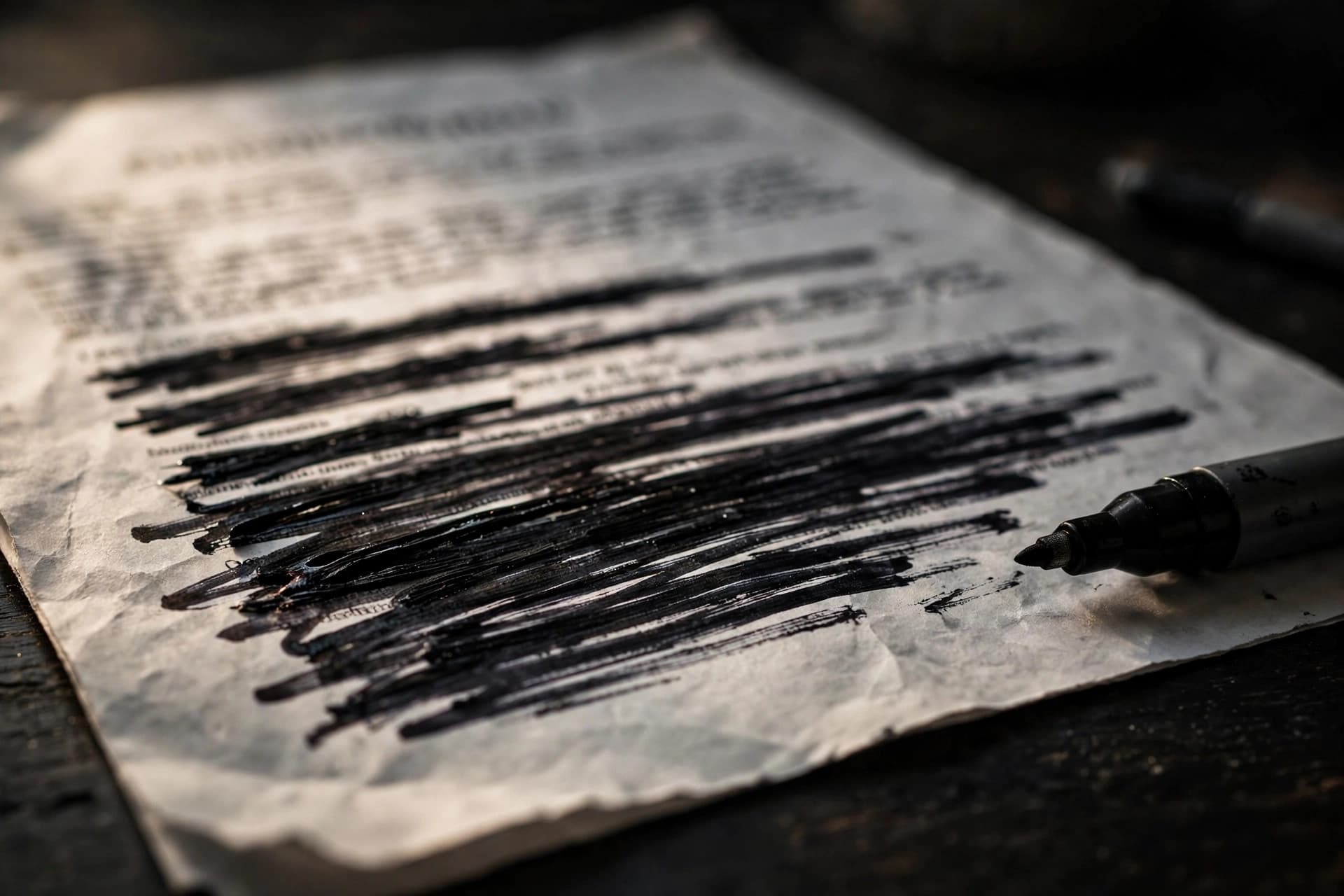
How to Redact a PDF So Text Can't Be Recovered
Redacting a PDF means deleting text permanently, not covering it up. Here's how to redact a PDF so the blacked-out names and numbers can never be recovered.
September 23, 20268 min read
How to Rearrange PDF Pages (Drag, Drop, Reorder)
Rearrange PDF pages with drag-and-drop: reorder, move, duplicate, or delete pages visually in your browser. Free, no uploads, changes apply instantly.
September 23, 20265 min read

How to Password-Protect a PDF in Minutes
Password-protect a PDF so only the right people can open it. The two password types explained, step-by-step setup, and the mistakes that leave files exposed.
September 23, 20267 min read
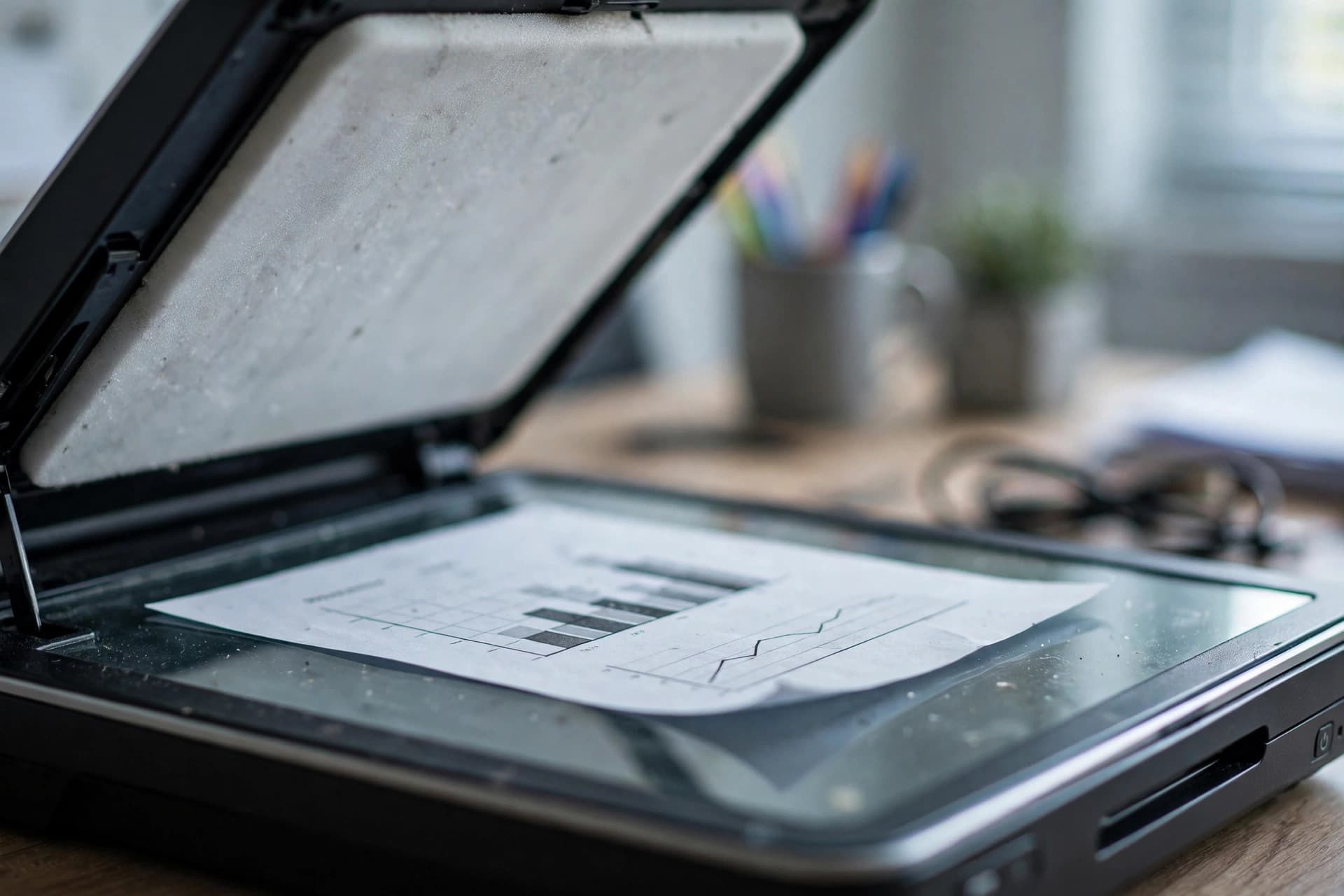
How to OCR a Scanned PDF and Extract Its Text
A scanned PDF is just photos of text until you OCR it. Here's how to OCR a scanned PDF and extract its text into a file you can search, copy, and edit — free, in your browser.
September 23, 20267 min read

How to Merge PDFs With Different Page Sizes (A4, Letter, Mixed)
Merging PDFs with different page sizes? Each page keeps its own size — A4, Letter, and legal can coexist. Here's what happens and how to handle printing.
September 23, 20265 min read
How to Merge PDF Files on iPhone (Free, No App Needed)
Merge PDFs on your iPhone for free in Safari or Chrome — no app to install, no account, nothing uploaded. Combine documents in your browser in under a minute.
September 23, 20265 min read
How to Merge PDF Files on Android (Free, No App Needed)
Merge PDFs on Android for free in Chrome — no app install, no account, nothing uploaded. Combine files from Downloads, Drive, or email in under a minute.
September 23, 20265 min read
How to Merge PDF Files Into One Document
Merge PDF files into one document for free in your browser. Combine invoices, contracts, or scans in seconds — no sign-up, no watermark, no uploads ever.
September 23, 20266 min read
How to Make a Scanned PDF Searchable: The Honest Workflow
A scanned PDF isn't searchable until it has a text layer. What that means, the OCR workflow with PDFEdit's free tools, and when desktop software is needed.
September 23, 20265 min read

How to Make a QR Code for Your WiFi Network
Make a WiFi QR code guests can scan to join instantly — no typing passwords. Works with the standard WIFI:T:WPA format and takes under a minute to create.
September 23, 20265 min read
How to Highlight Text in a PDF
Highlight text in any PDF with a free in-browser highlighter: pick a color, drag over the passage, and export - your highlights stay in the file forever.
September 23, 20265 min read

Password-Protected PDF? Unlock It First, Then Convert
Converters can't read locked PDFs. Unlock a password-protected PDF you own with PDFEdit's free browser tool first — then convert, extract, or edit it normally.
September 23, 20265 min read
How to Generate Strong Passwords (That You Can Actually Use)
Generate strong passwords with the right length and character mix. What makes passwords crack-proof, why length beats complexity, and how to store them safely.
September 23, 20265 min read
How to Flatten a PDF: Lock Forms and Bake Layers
Flattening a PDF locks form fields and merges layers so nothing can be edited or moved. Learn the two flattening modes and exactly when to use each one.
September 23, 20265 min read

How to Fill Out PDF Forms Online (No Printing)
Fill out PDF forms online without printing or scanning: type into any form field in your browser, add your signature, and download the finished PDF instantly.
September 23, 20267 min read
How to Extract Text From a PDF: Copy, Search, and Download
Pull the text out of any PDF: PDFEdit's extractor shows word counts, page-by-page views, in-text search, and TXT download. Works on text PDFs; scans need OCR.
September 23, 20265 min read
How to Extract Tables From a PDF (Without Retyping Them)
Get tables out of a PDF without retyping: extract the text in reading order, convert to Word, or rebuild in Excel. Honest methods — no magic table tool.
September 23, 20266 min read
How to Extract Pages From a PDF (Single File or ZIP)
Extract specific pages from a PDF into one new file or as individual pages in a ZIP archive. Free, in-browser, no uploads — pick pages visually or by range.
September 23, 20265 min read
How to Extract Colors from a PDF (Brand Colors, Logos & Palettes)
Extract the exact color palette from any PDF: export the page as an image, sample dominant colors, and copy HEX/RGB codes — in your browser, nothing uploaded.
September 23, 20265 min read
How to Edit PDF Metadata: Title, Author, and Properties
Edit a PDFs metadata - title, author, subject, keywords - right in your browser. Fix wrong titles in reader tabs and clean up document properties fast.
September 23, 20265 min read

How to Edit a PDF Online: The Complete Free Guide
Learn how to edit a PDF online for free — fix text, add images, and sign documents right in your browser. No downloads, no sign-up, no watermarks ever.
September 23, 20268 min read
How to Delete Pages From a PDF (Free, Visual, No Uploads)
Delete unwanted pages from a PDF with visual thumbnails — click the pages to remove and download the cleaned file. Free, in-browser, nothing uploaded.
September 23, 20265 min read
How to Delete Blank Pages From a PDF (The Honest Workflow)
Remove blank pages from a PDF reliably: scroll visual thumbnails, select the blanks, and delete in one pass. Why auto-detection fails, and what works instead.
September 23, 20265 min read
How to Crop PDF Pages: Trim Margins and Fix Page Size
Crop a PDF's pages to remove white margins or fix sizing: set exact margins per side, preview live, apply to all pages or a range — free in your browser.
September 23, 20265 min read

How to Crop PDF Margins for Clean Printing
Trim excess white margins from a PDF before printing: per-side margin control, page-range cropping, and a pre-print checklist that avoids clipped headers.
September 23, 20265 min read
How to Create an Invoice PDF for Free (No Sign-Up)
Create a professional invoice PDF free in your browser — line items, tax, discounts, 3 design templates, and instant A4 download. No sign-up ever needed.
September 23, 20266 min read
How to Copy Text From a Scanned PDF (OCR, Step by Step)
Can't select text in a scanned PDF? It's just images of pages. Run it through PDFEdit's free browser OCR, then copy or download the recognized text as TXT.
September 23, 20265 min read
How to Convert Word to PDF Without Word (Free, No Install)
No Microsoft Word? No problem. Convert DOCX to PDF free in your browser with PDFEdit — keeps fonts, sizes, colors, and formatting, with no sign-up or upload.
September 23, 20265 min read
How to Convert PNG to PDF: One Image or a Whole Batch
Turn PNG images into a PDF in your browser: PDFEdit's free converter accepts PNG, JPG, WebP, BMP, and GIF and builds one clean PDF from your whole batch.
September 23, 20265 min read
How to Convert PDF to Word on Mac (Without Paying for Software)
Mac users: convert PDF to Word free without buying software. PDFEdit's browser converter, Preview's limits, and Automator — with honest notes on each method.
September 23, 20265 min read
How to Convert PDF to Text for AI: Feeding PDFs to ChatGPT & Claude
Pasting PDFs into ChatGPT or Claude works better as clean text. Extract it free in your browser with PDFEdit first, then paste only the parts that matter.
September 23, 20266 min read
How to Convert PDF to PNG: Crisp Page Images, Explained
Turn PDF pages into sharp PNG images: PDFEdit renders each page at 72, 144, or 216 DPI with lossless output. When PNG beats JPG and how to do it right.
September 23, 20265 min read

How to Convert PDF to JPG on iPhone (No App Needed)
Turn PDF pages into JPG images on your iPhone with nothing to install: PDFEdit's tool runs in Safari, renders up to 216 DPI, and downloads images or a ZIP.
September 23, 20265 min read

Convert PDF to JPG at High Resolution: DPI Settings That Matter
Get crisp JPGs from your PDF: PDFEdit renders pages at 72, 144, or 216 DPI with adjustable JPEG quality. Which setting to pick for print, web, and sharing.
September 23, 20265 min read
How to Convert Multiple Images Into One PDF (In Order)
Combine many images into a single PDF: add JPG, PNG, WebP, BMP, or GIF files, drag them into the right order, and compile one clean document in your browser.
September 23, 20265 min read
How to Convert JPG to PDF (Phone & Computer)
Need to turn photos into a PDF? Here's how to convert JPG to PDF on your phone or computer in under a minute — free, no sign-up, files stay on your device.
September 23, 20266 min read
How to Compress a Scanned PDF (Why Scans Are Huge & What Helps)
Scanned PDFs are huge because every page is a full-resolution photo. Compress them 60–85% in your browser with the right preset — here's why it works so well.
September 23, 20265 min read
How to Compress a PDF Without Losing Quality (Honest Guide)
Compress a PDF while keeping it sharp: use the high-fidelity preset (220 DPI), know which files shrink safely, and understand the real trade-offs — no myths.
September 23, 20265 min read
How to Compress a PDF for Email (Beat the 25 MB Limit)
Shrink a PDF to fit email attachment limits: Gmail and Outlook cap at ~25 MB. Compress in your browser with the right preset and attach with room to spare.
September 23, 20265 min read
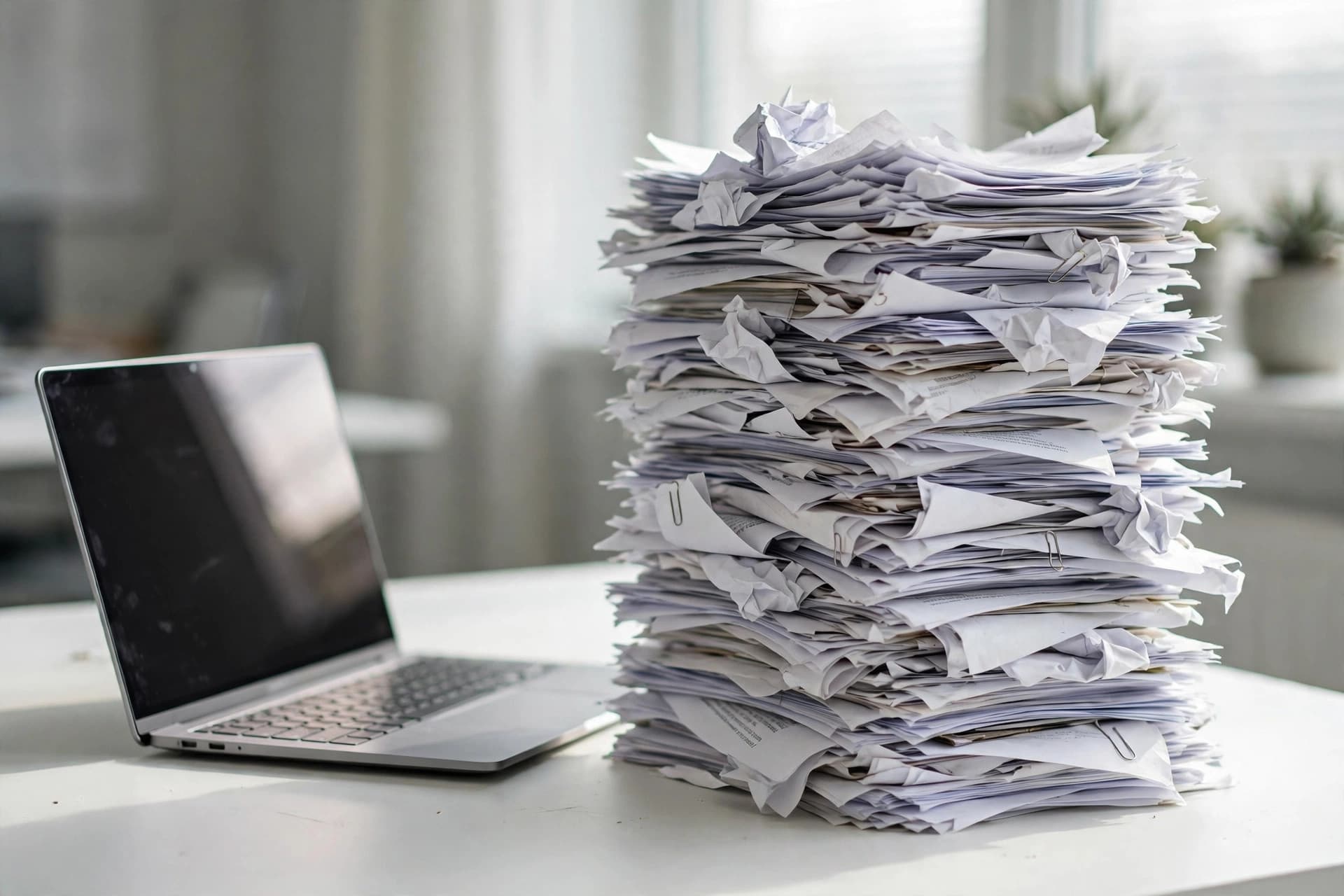
How to Compress a PDF Without Losing Quality
Reduce PDF file size for free without ruining quality. Shrink large PDFs for email and uploads in seconds — right in your browser, no sign-up needed today.
September 23, 20267 min read
How to Combine PDF Files on Mac (Without Preview's Hassle)
Combine PDFs on Mac in your browser — a faster alternative to Preview's fiddly thumbnails. Drag, drop, reorder, and merge in seconds with zero uploads.
September 23, 20265 min read
How to Choose a PDF Tool Online (Without Risking Your Files)
How to choose an online PDF tool safely: privacy questions to ask, red flags like forced sign-ups and watermarks, and why browser-local processing is safest.
September 23, 20265 min read
How to Certify a PDF Document: What Free Tools Can and Can't Do
Certifying a PDF means cryptographically proving authorship and integrity. Here is what certification requires - and what free tools honestly cannot provide.
September 23, 20265 min read
How to Calculate Tax on an Invoice: A Plain-English Guide
How invoice tax works: when to charge it, calculating tax on a subtotal, the discount-then-tax order, and estimating take-home. General info, not advice.
September 23, 20265 min read
How to Batch Process PDF Files (Merge Many at Once)
Batch process PDFs in your browser: merge dozens of files into one document at once. What's genuinely batchable today, the honest limits, and the best workflow.
September 23, 20265 min read
How to Annotate a PDF: Highlights, Notes, and Markup
Annotate a PDF with highlights, margin notes, shapes, and stamps. A practical markup workflow for document reviews — free, in your browser, no account.
September 23, 20265 min read
How to Analyze Text Readability (Without Guessing)
Analyze text readability with real metrics — sentence length, word length, keyword density, reading time. Learn what the numbers mean and how to fix them.
September 23, 20265 min read

How to Add a Diagonal Watermark to a PDF
Add a diagonal CONFIDENTIAL or DRAFT watermark across PDF pages: custom text, angle, opacity, and color - free in your browser, no account or install needed.
September 23, 20265 min read
How to Add a Text Box to a PDF
Need to type onto a PDF? Add text boxes anywhere on the page, or edit the documents own text in place - free, online, in your browser with no account.
September 23, 20265 min read

How to Add Page Numbers in Roman Numerals to a PDF
Roman numerals for front matter (i, ii, iii) then regular numbers for the body: why PDF tools can't do it directly, and two honest workarounds that work.
September 23, 20265 min read

How to Add Page Numbers to a PDF
Add page numbers to a PDF in seconds: pick the position, style, and starting number, then download your numbered document — free, no sign-up.
September 23, 20266 min read
Freelance Invoice Template Guide: What to Include on Every Invoice
What to include on a freelance invoice: the exact fields clients expect, payment terms that get you paid faster, and common mistakes that delay payment.
September 23, 20265 min read
Free PDF Tools vs Adobe Acrobat: What You Actually Need
Free browser PDF tools vs Adobe Acrobat: an honest breakdown of which everyday tasks free tools cover, and when the paid desktop software is genuinely worth it.
September 23, 20265 min read
Electronic Signature vs. Digital Signature: What's the Difference?
Electronic signatures and digital signatures are not the same thing. Learn the honest difference - and which one free PDF tools actually give you. No jargon.
September 23, 20265 min read
DOCX vs PDF: When to Use Each Format (Honest Guide)
DOCX vs PDF, settled honestly: use Word while a document is alive and editable, PDF when it's finished and must look identical everywhere. A decision guide.
September 23, 20265 min read
Do Merged PDFs Lose Quality? The Honest Answer
No — merging PDFs is lossless. Pages are copied exactly, never re-rendered. Here's what actually can change (and what can't), explained without myths.
September 23, 20265 min read
12 CV Formatting Mistakes That Cost Interviews
CV formatting mistakes that cost interviews: ATS killers, font chaos, date inconsistencies, photo pitfalls, and file errors — plus how to fix each one fast.
September 23, 20265 min read
How to Build a Brand Color Palette from a PDF
Turn any PDF into a complete brand palette: extract the colors, pick primaries and accents, check contrast, and export clean HEX codes for web and print.
September 23, 20265 min read