The short answer: an electronic signature is any mark that says "I agree" — a drawn squiggle, a typed name, a pasted image. A digital signature is a cryptographic operation with certificates that proves who signed and whether the document changed since. Free PDF tools (including ours) give you the first, not the second. Here's why that distinction matters.
The terms, untangled
Electronic signature is the big tent. Your finger-drawn signature on a phone, a "/s/ John Smith" typed in an email, clicking "I agree" — all electronic signatures. The definition is about intent: a mark made with the intention to sign.
Digital signature is a specific technology inside that tent. It uses public-key cryptography and a certificate issued by a trusted authority. When you digitally sign, the software creates a cryptographic hash of the document and encrypts it with your private key. Anyone can verify it with your public certificate — and if even one byte of the document changes afterward, verification fails loudly.
So: every digital signature is an electronic signature, but almost no electronic signatures are digital signatures. The industry's habit of using the terms interchangeably causes most of the confusion.
What each one proves
| Visual electronic signature | Certified digital signature | |
|---|---|---|
| Shows agreement | Yes | Yes |
| Verifies signer's identity | No | Yes (via certificate) |
| Detects tampering after signing | No | Yes |
| Requires a certificate authority | No | Yes |
| Free tools can do it | Yes | Rarely |
The practical gap is the middle two rows. A visual signature says "someone put this mark here." A digital signature says "this specific verified identity signed this exact version of the document."
What PDFEdit gives you — stated plainly
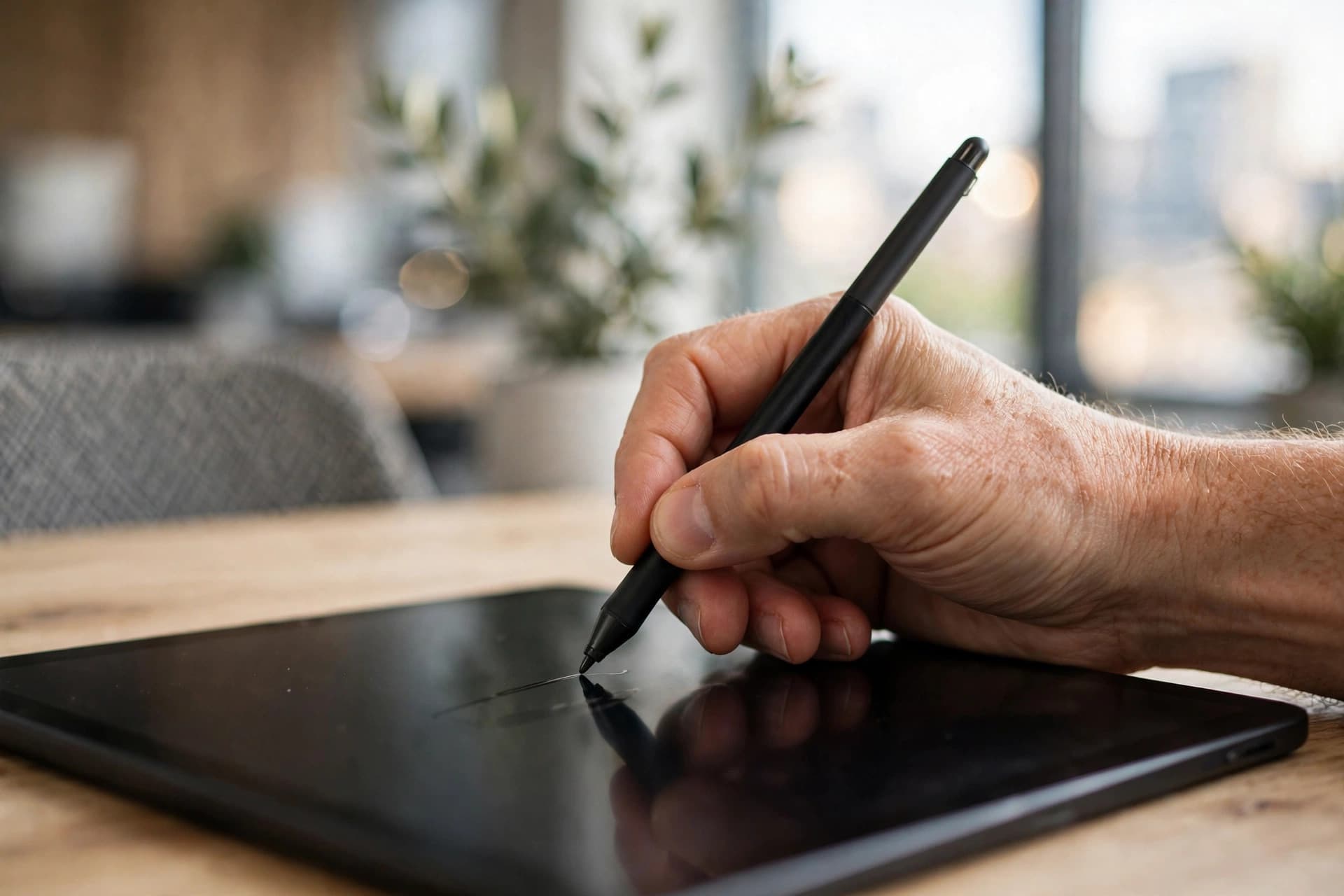
PDFEdit's sign tool creates a visual electronic signature: draw with your mouse or finger, type your name in a script font, or upload an image of your ink signature — then place it on the page. The tool itself labels it as a visual signature mark, not a certificate-based digital signature, and our disclaimer says the same.
We're upfront about this because the honest scope is also the useful scope: visual electronic signatures cover the vast majority of real-world signing — employment contracts, freelance agreements, HR paperwork, client approvals, school forms. Electronic signatures are broadly recognized under frameworks like the US ESIGN Act and the EU's eIDAS regulation.
When you need the cryptographic kind
Reach for a dedicated trust service provider (not a free PDF tool) when:
- the document or regulation explicitly requires a qualified/certified signature,
- you're dealing with government filings, notarized documents, or certain financial instruments,
- the counterparty's compliance team demands certificate-based signing,
- tamper evidence matters — you need to prove cryptographically that nobody altered the document post-signature.
If none of those apply — and for most everyday documents they don't — a visual electronic signature is the proportionate tool.
A note on "validity" (not legal advice)
"Is it legally binding?" depends on jurisdiction, document type, and whether anyone disputes it — no blog post can settle that for your specific case. The general landscape: most jurisdictions recognize electronic signatures for most agreements, with carve-outs for specific document categories. For anything high-stakes or disputed, talk to a lawyer. For the routine 95% of paperwork, a clear visual signature plus a good audit trail (who sent what to whom, when) is standard practice.
How to tell what kind of signature a PDF already has
You'll often receive signed PDFs and wonder what you're looking at. Quick field guide:
- Open in Adobe Acrobat Reader (free) and check the Signatures panel. Certificate-based signatures show signer identity, timestamp, and validity status. A visual-only signature shows... nothing there, because there's nothing cryptographic to display.
- The blue ribbon / checkmark in Acrobat indicates a valid certified signature. Its absence doesn't mean the document is fake — it means the signature isn't certificate-based.
- Try selecting the signature. If you can select it like an image and it has no signature properties, it's a visual mark.
- Document modification warnings. Acrobat warns when a certified document was altered after signing. No such warning system exists for visual signatures — another reason the distinction matters.
When in doubt about a received document's trustworthiness, the question isn't "is there a signature image" but "does a trusted reader validate a certificate." Images are easy; certificates are hard.
eIDAS, ESIGN, and UETA in plain language
The legal frameworks behind electronic signatures, minus the legalese:
- US: ESIGN Act (2000) + state UETA laws — electronic signatures are generally as valid as ink for most transactions, provided there's intent to sign and the signature is attributable to the signer. Broad, business-friendly, widely relied upon.
- EU: eIDAS regulation — defines three tiers: simple electronic signatures (a drawn mark), advanced electronic signatures (uniquely linked to the signer, tamper-evident), and qualified electronic signatures (advanced + qualified certificate, legally equivalent to handwritten). The tier you need depends on the transaction.
- Elsewhere — most major economies have equivalent frameworks (UK, Singapore, Australia, UAE, India, and others all recognize electronic signatures with local variations).
The pattern worldwide: everyday agreements → simple electronic signatures are fine; regulated or high-stakes → higher tiers required. And none of these frameworks change what a tool does — they describe what counts. A visual signature from a free tool counts for the same everyday purposes as a visual signature from expensive software. The certificate tier is what costs money, because identity verification costs money.
General information only — for high-stakes documents, confirm with counsel in your jurisdiction.
Do it with PDFEdit
Sign a PDF: draw, type, or upload your signature and place it visually — free, in your browser, no account, file never uploaded. On mobile? See sign on iPhone and sign on Android. Just remember what you're getting: an honest, visual electronic signature — the right tool for everyday agreements.