The short answer: secure a PDF in layers — redact what must never be seen, flatten what shouldn't be edited, scrub metadata that leaks context, password-protect with AES-256 for access control, and share the password separately. No single step does the whole job.
Why a checklist, not a single tool
PDF security fails in the gaps between tools. The password was strong but the metadata named the author. The redaction was thorough but the file went out unencrypted. The content was clean but the annotations were deletable. Each protection covers one risk and ignores the others — the checklist exists so nothing falls through.
Work it top to bottom, in order. Each step assumes the previous ones are done.
1. Redact: delete what must never be seen
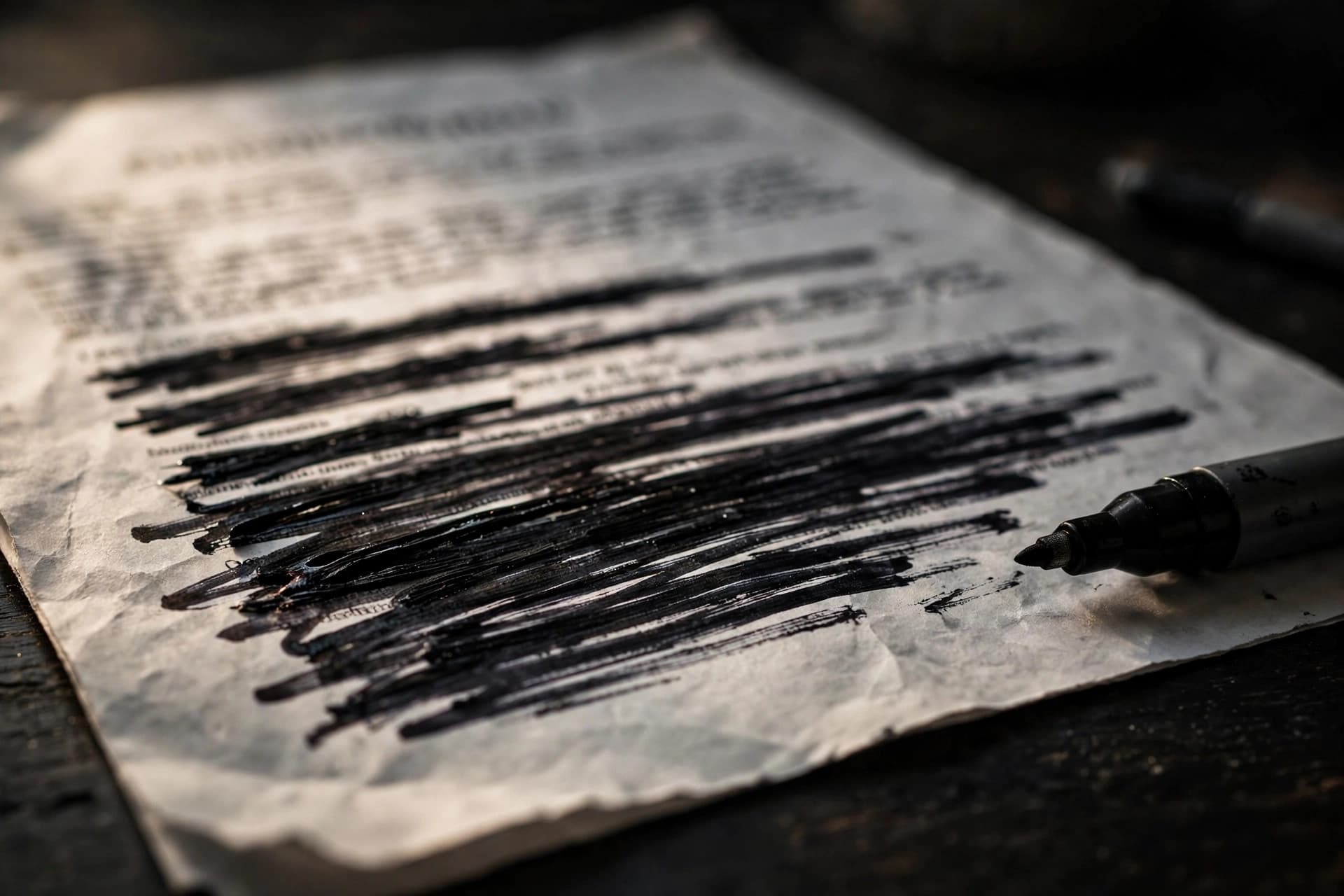
Start here, because it's the only irreversible step and the one people get wrong most. Anything the recipient must never see — names, account numbers, salaries, personal data — gets truly redacted: deleted from the file, not covered up.
- Use real redaction, never black boxes or black highlighting (why).
- Search for every redacted term afterward — the occurrence on page nine is the one people miss.
- Verify: try selecting and copying the redacted areas. Nothing should come out.
2. Flatten: fuse what shouldn't move
Flatten the document so form fields, highlights, stamps, and signature layers become permanent page content. This stops recipients from editing filled values, deleting your review markups, or dragging signatures around. Vector mode for everyday finals; full raster bake when permanence is everything.
3. Scrub metadata: remove what leaks context
Clear the document properties — title, author, subject, keywords, creator, producer — with the metadata editor. Check for the deeper leaks too: OCR text layers under scans, tracked-change remnants from Word exports, internal paths in template data. Our privacy guide walks the full scrub.
4. Password-protect: control access
Protect the PDF with AES-256 encryption:
- A long, unique user password (16+ characters — see password best practices).
- A separate owner password guarding permissions (no copying, no printing) if the document warrants it.
- Permissions set deliberately, not left on defaults.
5. Watermark: signal the status
A diagonal CONFIDENTIAL or DRAFT watermark doesn't enforce anything — but it tells every handler how to treat the document, and it survives screenshots and photocopies. Cheap, visible, worth doing on anything sensitive.
6. Share safely: the password goes separately
The file travels one channel; the password travels another. PDF by email, password by text. Never the password in the same email as the attachment — that protects against nobody. For teams, a password manager with secure sharing beats ad-hoc methods every time.
7. Verify before it leaves
The two-minute pre-send ritual:
- Open properties — metadata clean?
- Select redacted areas — nothing copies?
- Search for sensitive terms — zero hits?
- Open the file fresh — password prompt appears, correct password works?
- Attachments check — is this the secured copy, not the original?
That last one deserves its weight in gold: after all this careful work, attaching contract-original.pdf instead of contract-secured.pdf is the most human failure in the book. Check the filename.
What each layer does (and doesn't do)
| Layer | Protects against | Doesn't protect against |
|---|---|---|
| Redaction | Recipient seeing secrets | — (content is gone) |
| Flattening | Editing, moving annotations | Reading, copying |
| Metadata scrub | Context leaks | Content exposure |
| Password (AES-256) | Unauthorized access | Password sharing, weak passwords |
| Watermark | Mishandling, casual leaks | Determined copying |
No layer substitutes for another. Redaction without a password leaves the file open; a password without redaction shows everything to anyone with the key.
Know your threat model (30 seconds, big payoff)
Not every PDF needs every layer. Before working the checklist, decide who you're protecting against — it determines where to spend effort:
- Casual mishandling (wrong recipient, forwarded email): passwords + clear filenames + metadata hygiene. Most everyday business documents live here.
- Curious recipients (someone poking at the file): redaction for real secrets, flattening so markups can't be peeled off, owner-password restrictions.
- Determined adversaries (opponents in litigation, motivated leakers): assume distributed copies can't be controlled. Redact before distribution, use per-recipient watermarks, and accept that no technical measure replaces legal agreements (NDAs) and access discipline.
- Regulatory/compliance (audits, data protection): document your process. Which tool, which settings, who verified. The checklist becomes evidence of reasonable care.
Over-protecting wastes time; under-protecting wastes much more. Match the layers to the threat and move on.
Turn it into a team policy
Checklists work best when they're not one person's habit. For teams handling sensitive PDFs regularly, formalize it:
- Write the one-page version. The seven steps above, condensed to a single page, pinned where the team works. Not a 40-page security policy — one page people will actually read.
- Assign the verification step. "Verify before sending" fails when it's everyone's job. Make it one role's job — the sender's, with the checklist as the gate.
- Standardize filenames.
*-REDACTED.pdf,*-SECURED.pdf,*-FINAL.pdf— suffixes the whole team uses, so the wrong attachment is catchable at a glance. - Keep masters in one place. Unredacted originals live in a restricted folder, not in everyone's Downloads. The person redacting works from the master; everyone else gets the secured copy.
- Review quarterly. Tools change, threats change, staff changes. Fifteen minutes every quarter keeps the policy alive instead of laminated.
The policy doesn't need to be elaborate. It needs to exist, be short, and be followed — in that order.
Do it with PDFEdit
Every layer runs free in your browser at PDFEdit — redact, flatten, metadata, protect, watermark — with your file never uploaded to any server. Work the checklist in order, verify before sending, and keep an unsecured master in your archive.