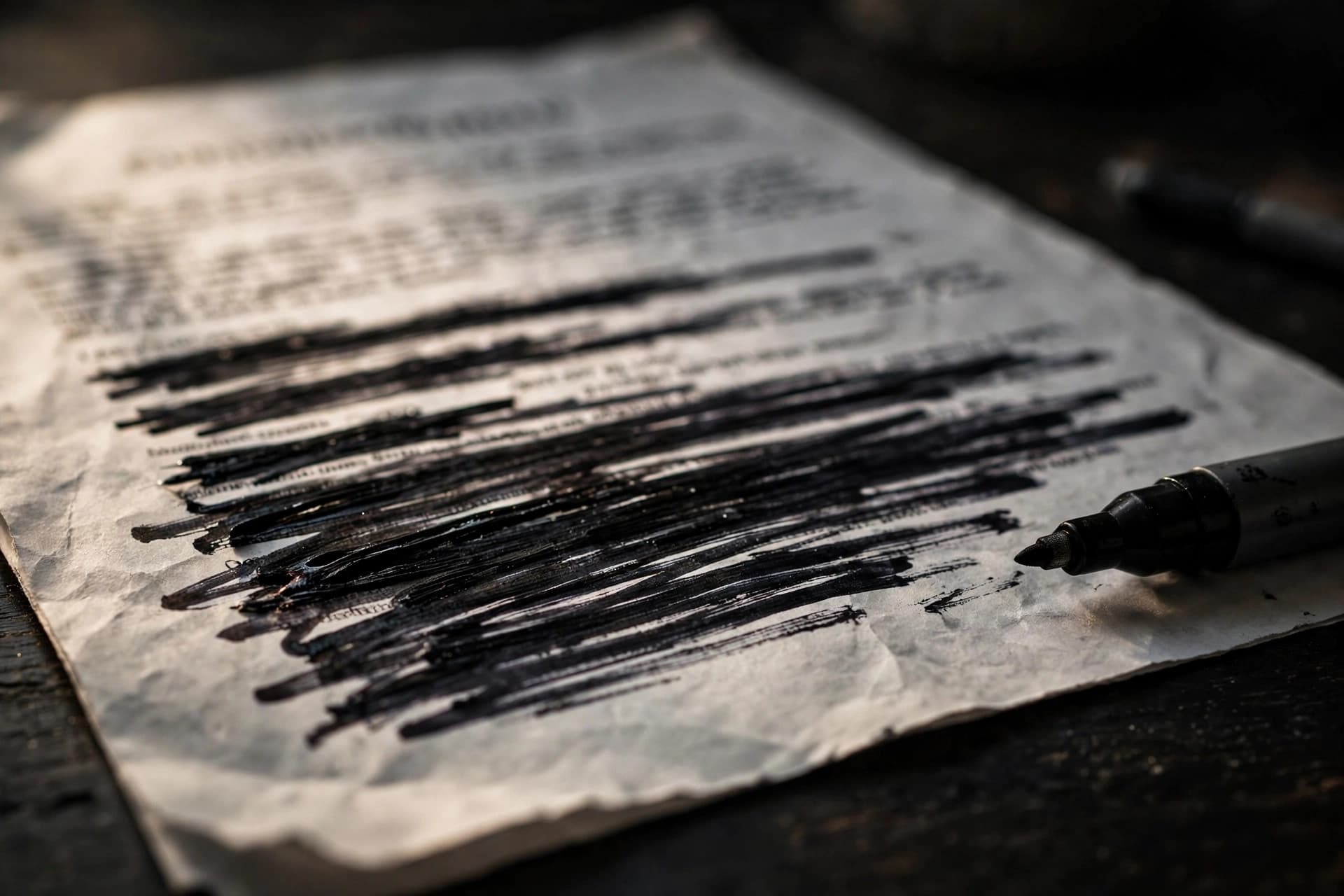
The short answer: a black box is a drawing over text; redaction is the deletion of text. The words under a black rectangle are usually still in the file — selectable, searchable, copyable. True redaction removes them so thoroughly that nothing can be recovered.
The failure mode that keeps happening
This isn't theoretical. Black-bar "redactions" that surrendered their secrets on copy-paste have embarrassed law firms, corporations, and government agencies for two decades. The pattern is always the same: someone draws black rectangles over sensitive words in Word or a PDF editor, exports the file, and sends it out. The recipient drags a cursor across the bars, and the "hidden" names highlight neatly underneath.
It happens because most document tools treat a black box as what it visually is — an opaque shape. Opaque to the eye. The text layer underneath doesn't care about your rectangle; it's still sitting in the file's content, in reading order, waiting.
Every fake redaction, ranked by how fast it fails
Black highlighter. Select the text, copy, paste. Ten seconds. The characters never went anywhere.
Black rectangle shape. Same as above, one extra step: the shape sits on top, the text sits below. Select-all reveals everything.
White text on white background. Select-all, or just look at the file in any text view. Instant.
Covering text in Word, then exporting to PDF. The export faithfully preserves both the text and the covering shape. The PDF is just as leaky as the Word file was.
Screenshotting the page. This one actually removes the text layer — but it leaves the pixels of the words visible if the box is even slightly misaligned, degrades quality, and bloats the file. A blunt instrument, not a method.
None of these delete anything. They're all stagecraft.
What true redaction actually does
Real redaction is deletion, not concealment. A proper redaction tool must:
- Remove the text characters from the page content — not cover them, remove them.
- Kill the hidden layers — the OCR text under scanned pages, which survives visual tricks completely intact.
- Scrub the metadata — author names, revision history, and document properties that can betray what was removed.
- Burn the change in — so no earlier version of the words lingers in the file structure.
PDFEdit's redaction tool takes the strongest available approach: it rasterizes each affected page — rendering the full page to an image — burns the redaction boxes into the pixels, and rebuilds those pages from the burned images. There is no text layer underneath because there is no text layer left on those pages, period. Unaffected pages pass through untouched, so the rest of your document keeps its selectable text. An optional metadata sanitization step strips identifying document properties at the same time.
The 30-second verification test
Never trust a redaction you haven't tested. Before the file goes anywhere:
- Select and copy the blacked-out area, paste into a plain text editor. Anything appear? Fail.
- Search the document (Ctrl+F) for the exact redacted words. Any hits? Fail.
- Check the file size sanity — a properly rasterized redaction changes the file's character; but the copy-and-search tests are the ones that count.
If a test fails, the redaction failed — redo it before sharing. This takes half a minute and it's the entire difference between redaction and a leak.
Redaction is the last resort, used first in planning
Here's the strategic point most guides skip: decide what needs redacting before the document circulates, not after. Once a file with real text has been emailed, every copy in every inbox is a copy you can't redact retroactively. Redact the master, then distribute. And always redact a copy — redaction is permanent, so the original stays in your archive.
For the complete method, see how to redact a PDF so text can't be recovered.
How these leaks happen in practice
The mechanics are always mundane — that's what makes them dangerous:
The Word-to-PDF pipeline. Someone highlights sensitive paragraphs in black in Word, exports to PDF, and sends it. The PDF preserves both the text and the highlight as separate objects. The recipient selects all, copies, pastes — and reads everything. The Word file was leaky; the PDF inherited the leak faithfully.
The "flattened" scan that wasn't. A scanned contract gets black rectangles drawn over signatures in a PDF editor, but the rectangles are annotations — separate, movable, deletable objects. Anyone with a PDF editor selects the rectangle and deletes it. The signature was never covered; it was furnished.
The OCR ghost. A scanned page is redacted visually — boxes drawn over the image. But the OCR text layer underneath, added months ago by scanning software, still contains every "hidden" word, perfectly extractable. The redactor never knew the layer existed.
The metadata confession. The visible text is properly redacted, but the document properties still list the author, and the filename is merger-target-acme-corp.pdf. The secret wasn't in the text; it was in the wrapper.
Every one of these is a failure to understand that a PDF is a container of objects, not a picture of a page. Covering an object doesn't delete it. Real redaction deletes.
Redaction vs. editing: pick the right operation
People reach for the wrong tool because the goal is vague. Sharpen it:
- "They should never see this" → redact. Permanent deletion. The words cease to exist in the file.
- "They should see it but not change it" → flatten. Fuses layers so content can't be edited.
- "They should see it only if authorized" → protect. AES-256 password on the whole file.
- "They should know how to treat it" → watermark. A visible status signal.
Redaction is the only one that destroys information. It's also the only irreversible one — which is why you redact a copy and archive the original, every single time.
Do it with PDFEdit
The redaction tool is free and runs in your browser: place boxes on the pages that need them, burn them into the pixels via rasterization, sanitize metadata, verify with the 30-second test. Your sensitive document never uploads to any server — which, for redaction work, is non-negotiable.