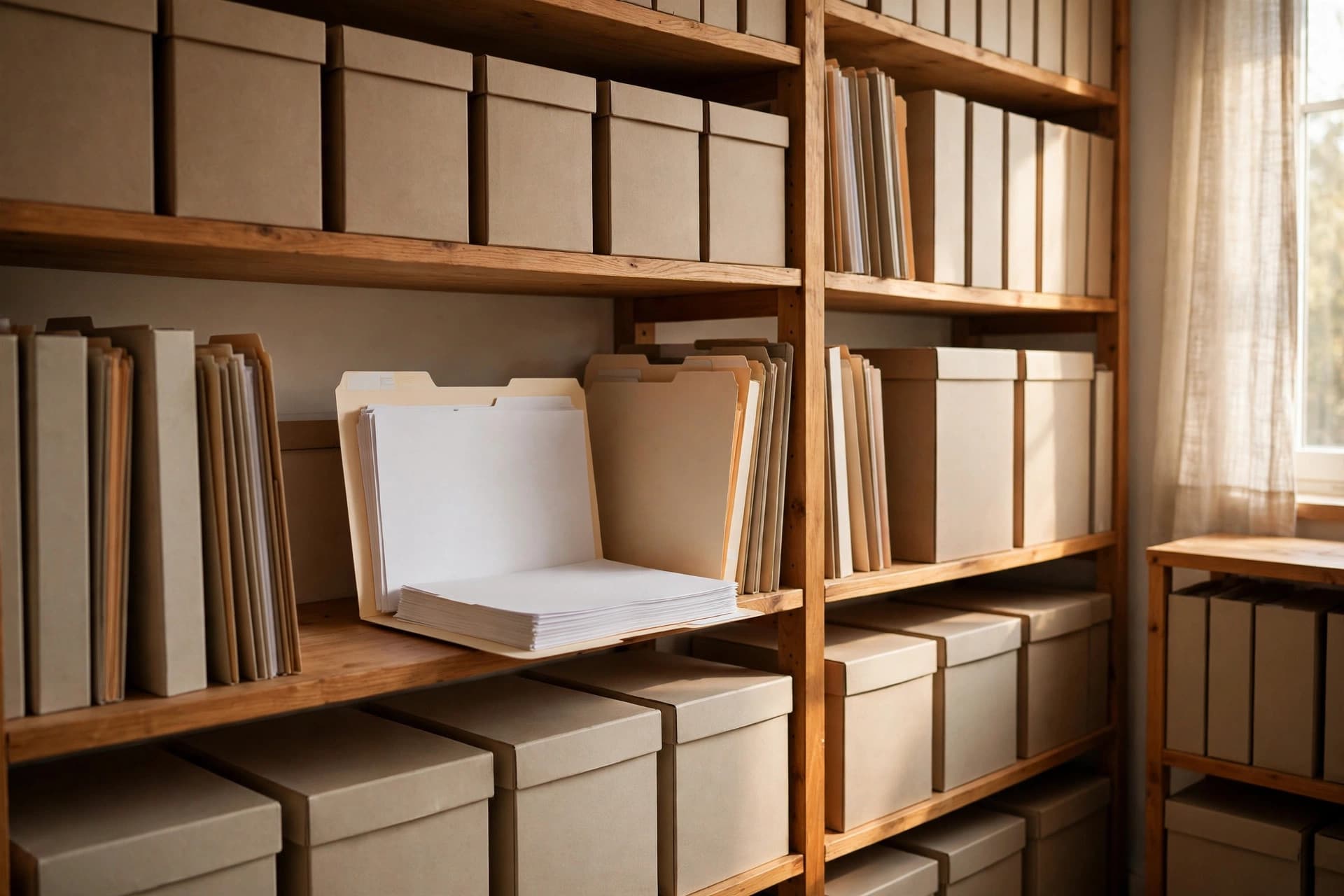
A PDF that opens perfectly today might not open in 2045. Fonts go missing, encryption schemes age out, linked content disappears, and viewer software changes. PDF/A exists to eliminate that risk: it's a version of PDF engineered so that a document archived today renders identically decades from now, on software that doesn't exist yet.
If you keep contracts, records, or anything with legal or historical value, this is the format to know.
What PDF/A actually restricts
PDF/A isn't a new file type — it's PDF with the risky parts removed. A conforming file must be:
- Self-contained: All fonts embedded (no "the viewer will have this font" assumptions), no references to external files, images, or content.
- Device-independent: Color defined with ICC profiles so it renders the same on any screen or printer.
- Static: No JavaScript, no audio/video, no executable actions, no encryption (an encrypted file you can't open in 30 years is just a brick).
- Text-mapped: At level u and above, every glyph maps to Unicode so text stays searchable and extractable.
Anything that depends on the outside world — a linked video, a font installed on your machine, a script that fills in today's date — is forbidden, because the outside world changes.
Which PDF/A flavor to choose
| Standard | Based on | Key additions | Choose it when… |
|---|---|---|---|
| PDF/A-1 (a/b) | PDF 1.4 | The original; no transparency, no layers | Maximum compatibility matters — government, courts, conservative archives |
| PDF/A-2 (a/b/u) | PDF 1.7 | JPEG 2000, transparency, layers, OpenType | You want modern features with broad support; the best default for most archives |
| PDF/A-3 (a/b/u) | PDF 1.7 | Everything in A-2 + embedded files of any format | You need to bundle source files (e.g. the XML data behind an invoice) |
| PDF/A-4 (f/e) | PDF 2.0 | Modernized for the PDF 2.0 era | You're standardizing on PDF 2.0 tooling |
The practical advice: for most organizations, PDF/A-2b is the sweet spot — modern enough for real documents, conservative enough for universal support. PDF/A-1b if your archive or regulator specifically demands it.
And the conformance level: b guarantees it looks right; u guarantees text works (search, copy); a guarantees it's accessible. If people need to find and read these documents later, aim for u minimum.
The conversion workflow
Step 1: Start from the best source you have
Convert from the original digital document, not from a scan of a printout. Every generation loses fidelity. If you only have paper, scan at 300 DPI minimum and run OCR first.
Step 2: Remove what PDF/A forbids
Strip passwords and encryption (unlock first if needed), remove JavaScript actions, and delete embedded media. Most conversion tools do this automatically, but verify.
Step 3: Convert with a proper tool
Use a converter that validates, not just relabels. Adobe Acrobat Pro (Preflight → Convert to PDF/A), Ghostscript, and veraPDF-based pipelines all work. Avoid tools that simply change the file extension or metadata — that's not conversion.
Step 4: Validate with veraPDF
veraPDF is the industry-standard open-source PDF/A validator. Run every converted file through it. A file that doesn't validate isn't PDF/A, no matter what the converter claimed.
Step 5: Visually compare
Open the original and the PDF/A side by side. Check fonts (substituted fonts change line breaks), transparency flattening (A-1), and colors. Sign off on the comparison before deleting the original — and consider keeping the original anyway.
What conversion commonly breaks
- Non-embedded fonts get substituted. If the substitute has different metrics, text reflows. Fix: embed the correct fonts before converting.
- Transparency (drop shadows, watermarks with opacity) must be flattened for PDF/A-1. Usually invisible, but check gradients and layered graphics.
- Digital signatures complicate things: a signed PDF converted to PDF/A can invalidate the signature. Best practice is to convert first, then sign.
- Encryption must go. If the document needs access control, apply it at the archive-system level, not inside the file.
Organizing the archive itself
The format is only half of archiving. The other half is finding things later:
- Naming:
YYYY-MM-DD_client-name_document-type.pdfbeatsscan_final_FINAL2.pdf. Pick a scheme and document it. - Metadata: Fill in the PDF's document properties (title, author, subject, keywords) — future-you will search by these.
- Checksums: Store a SHA-256 hash alongside each file. Bit rot is real; a yearly hash check is cheap insurance.
- Two copies, two places: A single archive isn't an archive. Keep copies on different media or in different locations.
- Format watch: PDF/A is designed for longevity, but revisit your archive every few years. Standards evolve, and today's best practice gets reviewed, not assumed.
Archiving is a promise to the future. PDF/A is how you keep it in a file format.
Sources
- label: "PDF Association: PDF/A introduction" url: "https://www.pdfa.org/resource/pdfa-1-pdfa-2-and-pdfa-3/"
- label: "veraPDF: open-source PDF/A validator" url: "https://verapdf.org/"
- label: "Library of Congress: PDF/A format description" url: "https://www.loc.gov/preservation/digital/formats/fdd/fdd000125.shtml"