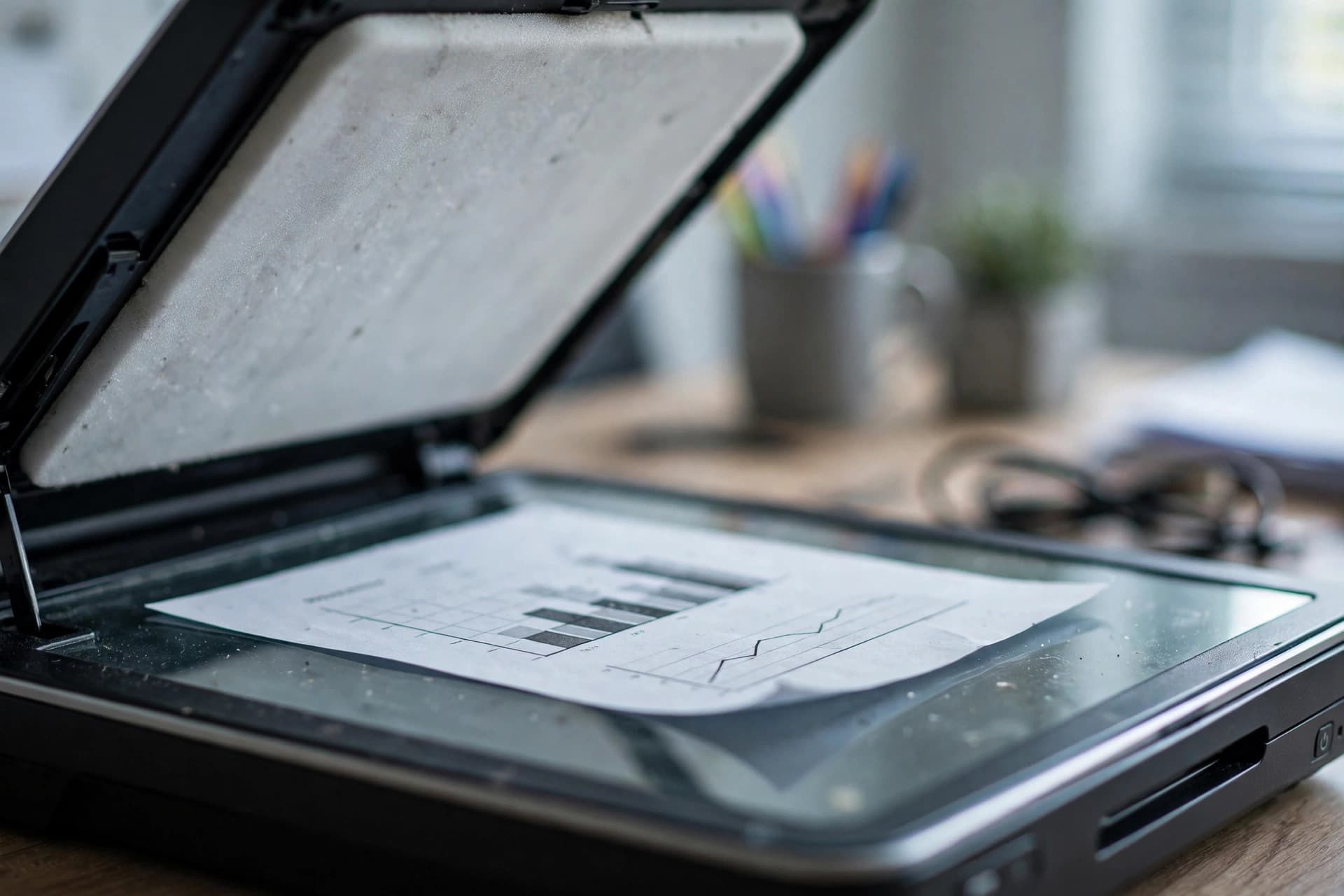
A scanned PDF has always been a dead end. You can read it, print it, forward it — but the moment you need to fix a misspelled tenant name on a scanned lease or copy a paragraph out of a photographed contract, you're retyping. On October 5, 2026, pdfFiller tried to kill that dead end: it launched OCR directly inside its editor, so editing a scanned page automatically turns the printed text into real, selectable, editable paragraphs.
The announcement is worth paying attention to even if you've never touched pdfFiller, because it says something about where the whole PDF industry is going: scanning is no longer an excuse for a document you can't work with. Here's what the launch actually includes, where the technology still trips, and what it costs you — in money and in privacy.
What "OCR" actually does to your scan
OCR — optical character recognition — reads the pixels of a page and guesses which letters they form. The output isn't a new document; it's a second, invisible text layer laid under the original image. Nothing about the way the page looks changes. But now your cursor can select words, Ctrl+F can find terms, and an editor can treat a printed paragraph as text.
pdfFiller's implementation runs automatically, per page, the moment you attempt to edit a scanned page — there is no OCR button and nothing to install. According to airSlate's announcement, recognition succeeds in roughly 98% of runs, and it works across web, desktop, tablet, and mobile. The feature rolled out to all pdfFiller users at no additional cost, which is unusual: OCR is usually the feature locked behind the top pricing tier.
One in five documents opened in pdfFiller is a scan, the company said — so this was a hole in their product, and they closed it.
Where it still fails
The press release is refreshingly honest about the limits, which makes a good starting point for everyone's expectations:
Scan quality is everything. Clearly printed text recognizes well; skewed photos, blurred pages, and low-contrast receipts do not. A phone photo taken at an angle will produce text, but it will be text you need to proofread line by line.
Handwriting stays out of reach. No mainstream OCR engine handles arbitrary handwriting reliably, and this launch doesn't claim to. A signature or a handwritten margin note stays a picture.
Layout is harder than letters. Columns, tables, and stamps in the margins come out with the words right but the reading order scrambled. Expect to reassemble a two-column contract by hand.
Edited text won't match the original print. pdfFiller covers original printed text with background-colored patches so your edits blend in — matched by color, not texture — and currently recognizes three font families plus bold. Better font fidelity is on their roadmap, which is the polite way of saying the fix is visible if you look closely.
These limits aren't a pdfFiller problem specifically; they're where OCR as a technology is in 2026. Every engine has them. The honest ones list them.
The privacy question nobody asks
Here's the trade-off baked into every cloud PDF editor: your document goes to their servers. OCR can't happen in a vacuum — something has to read the pixels — and with a cloud platform like pdfFiller, that something is a data center. For a menu, a price list, or a restaurant flyer, that hardly matters. For a medical record, a legal contract, or anything with bank details, it matters a lot.
This is the one place where browser-based tools change the equation. PDFEdit's OCR runs in your browser — the recognition happens on your device and the file is never uploaded to a server. You get the same selectable text layer without handing the document to anyone. That distinction matters more than most people realize: a scanned insurance form with an outdated policy number is exactly the kind of document you'd want to fix in place, without it leaving your machine.
The free way to OCR a scanned PDF today
If you don't have a pdfFiller subscription and don't want one, the practical route is:
- Open a free OCR tool in your browser and load the scanned PDF. Recognition runs locally, per page.
- Download the result as searchable text or a PDF with the text layer added.
- Edit what you need — fix the name, update the date, correct the address — in any editor, then save.
Accuracy will be a hair below the paid desktop engines — Adobe Acrobat's OCR remains the benchmark most professionals trust, but it ships inside Acrobat Pro at subscription prices. For the common cases (clean scans, printed text, straight pages), the free route gets you 95% of the way there.
The bigger picture
This launch lands in a year when PDF vendors are racing to remove friction from the format. Browsers render PDFs natively, editors run entirely client-side, and now the biggest cloud editors are erasing the scan/edit boundary. The direction is clear: within a couple of years, "I can't edit it, it's a scan" will sound as dated as "I can't read it, it's a fax."
For now, the honest summary is: pdfFiller's October OCR launch is a genuinely good feature, it's genuinely free for their users, and it doesn't change the one rule that matters — if the document is sensitive, do the recognition somewhere your file never leaves.